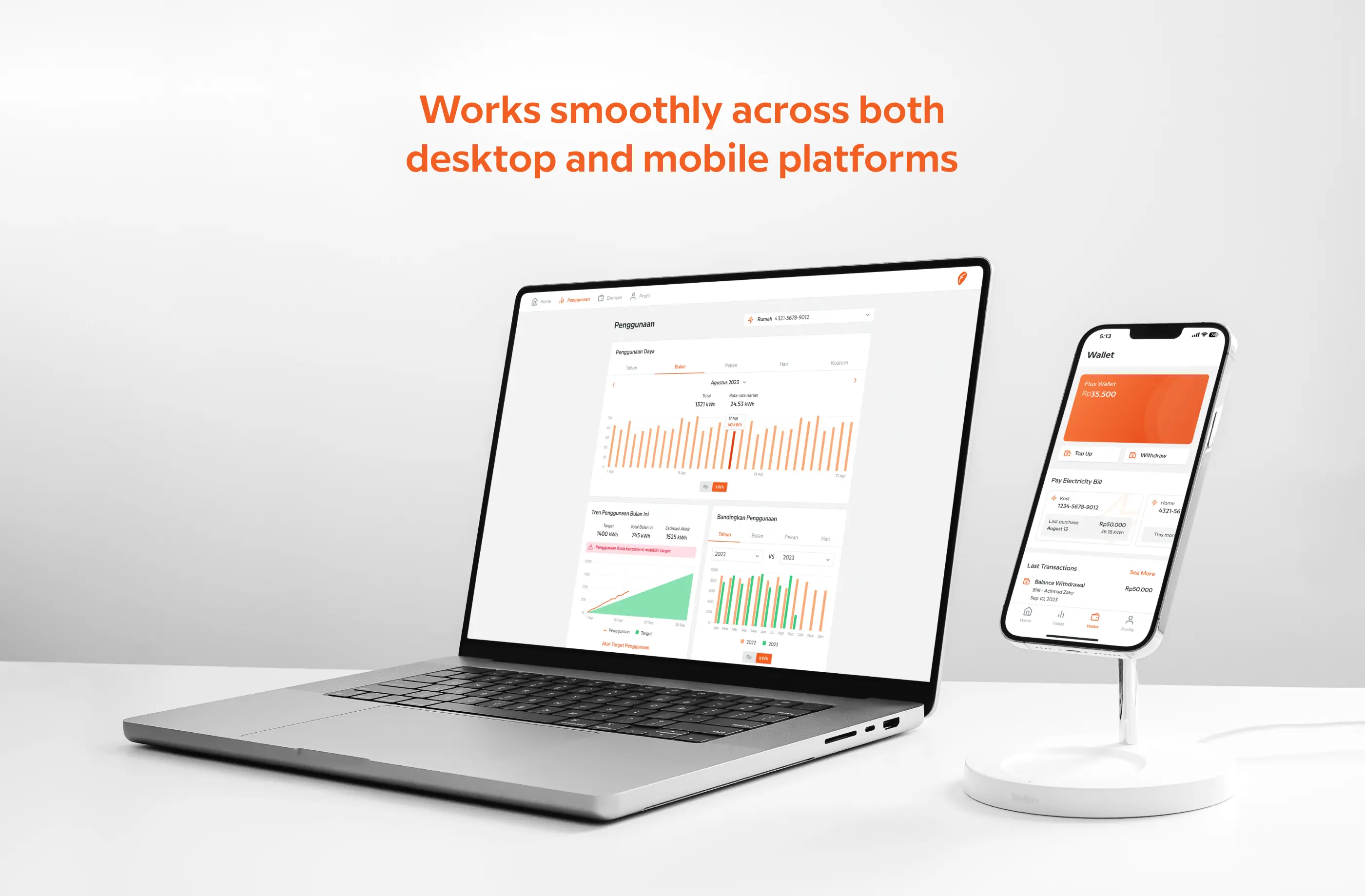
Insightful energy control and management
Flux Energy - UI Design
- Project Type
- A self-initiated exploration project.
- Period
- September 2023
- About
-
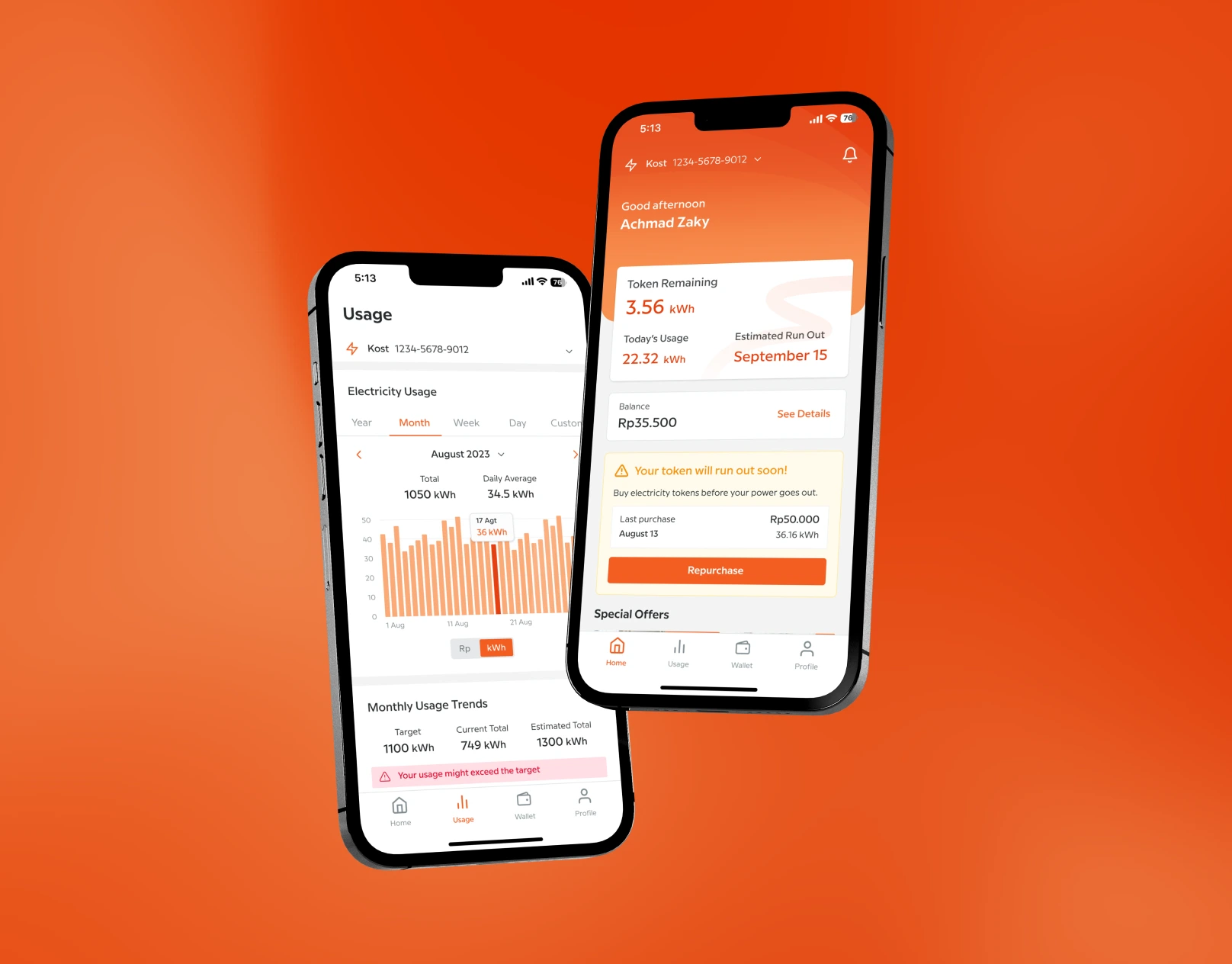
Flux Energy empowers users to efficiently manage their energy consumption, offering insights on usage trends, token status, and providing a digital wallet for seamless transactions.
Flux Energy app was born from a simple idea: to help people understand and control their daily electricity use and monthly costs. It started as a personal mission and evolved into a tool for everyone to track their energy consumption and take charge of their electricity use.
- Role
- UI Designer
- Tools and Technology
- Figma
Competitive Analysis
Featuring energy company apps from around the world
| Criteria | PLN MobileIndonesia | OVO EnergyUnited Kingdom | Origin EnergyAustralia | Adani ElectricityIndia |
|---|---|---|---|---|
| Energy usage for the current period | Not available | Displays total usage and cost | Displays total usage and cost, energy cost per day | Not available |
| Usage history by period (daily/weekly/monthly) | Only monthly usage for the past 6 months, presented in kWh and Rupiah | Yes, in total power (kWh) or usage cost per day/month/year | Yes, in total power (kWh) or usage cost per day/month/year/bill period | Only monthly usage for the past 12 months, presented in kWh |
| Usage comparison between two periods | Not available | Limited to monthly and yearly comparison | Yes, comparing across days, weeks, months, and years | Limited to monthly comparison |
| In-app token purchase and bill payment | Yes | Yes | Yes | Yes |
| In-app transaction history | Yes | Yes | Yes | Yes |
| Estimated total billing for current period, alert for low electricity balance |
|
|
|
|
Information Architecture
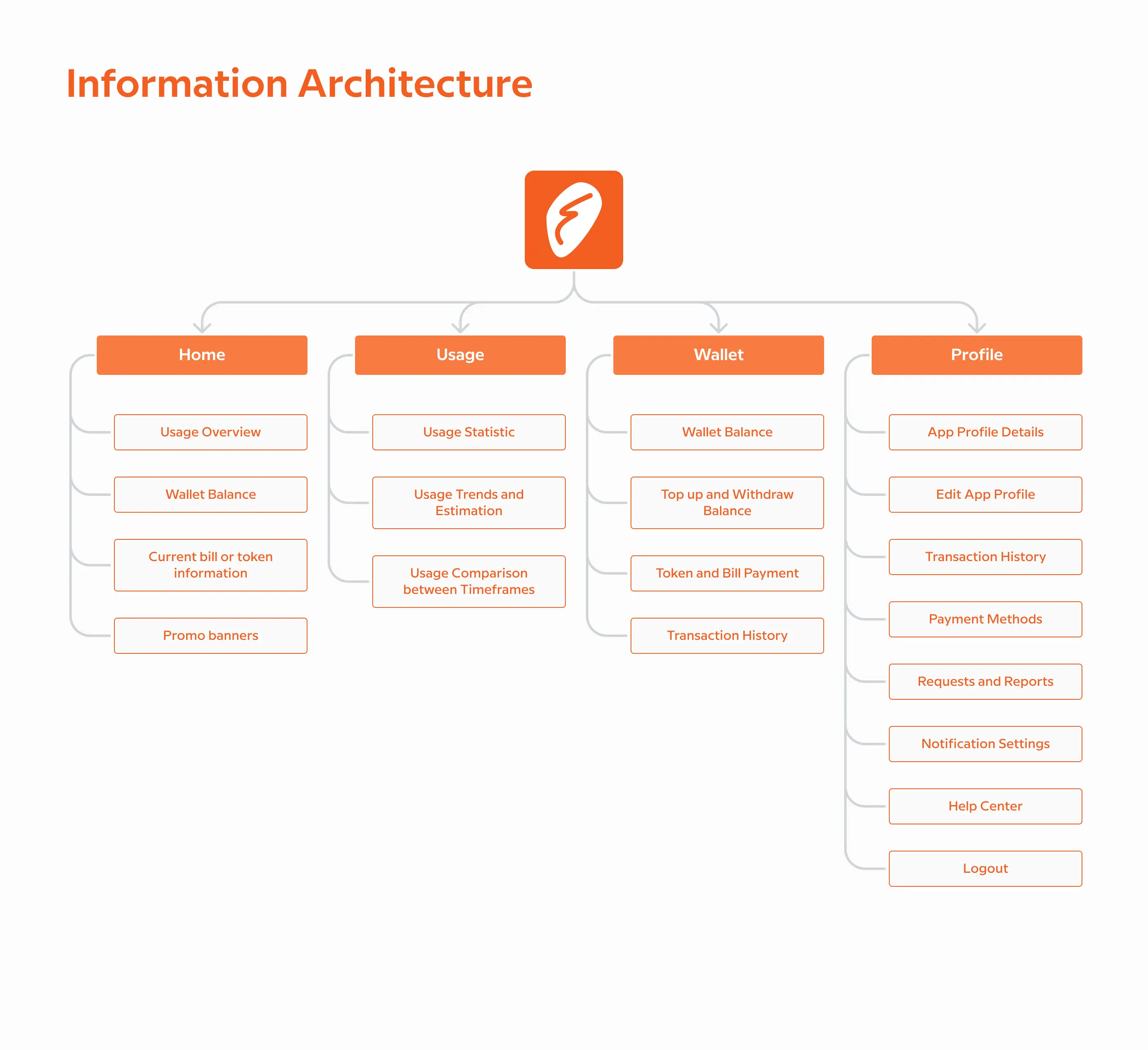
The app is organized into four main sections: Home, Usage, Wallet, and Profile.
- Home
-
- Usage Overview
- Wallet Balance
- Current bill or token information
- Promo banners
- Usage
-
- Usage Statistic
- Usage Trends and Estimation
- Usage Comparison between Timeframes
- Wallet
-
- Wallet Balance
- Top up and Withdraw Balance
- Token and Bill Payment
- Transaction History
- Profile
-
- App Profile Details
- Edit App Profile
- Transaction History
- Payment Methods
- Requests and Reports
- Notification Settings
- Help Center
- Logout
Brand Identity
Logo
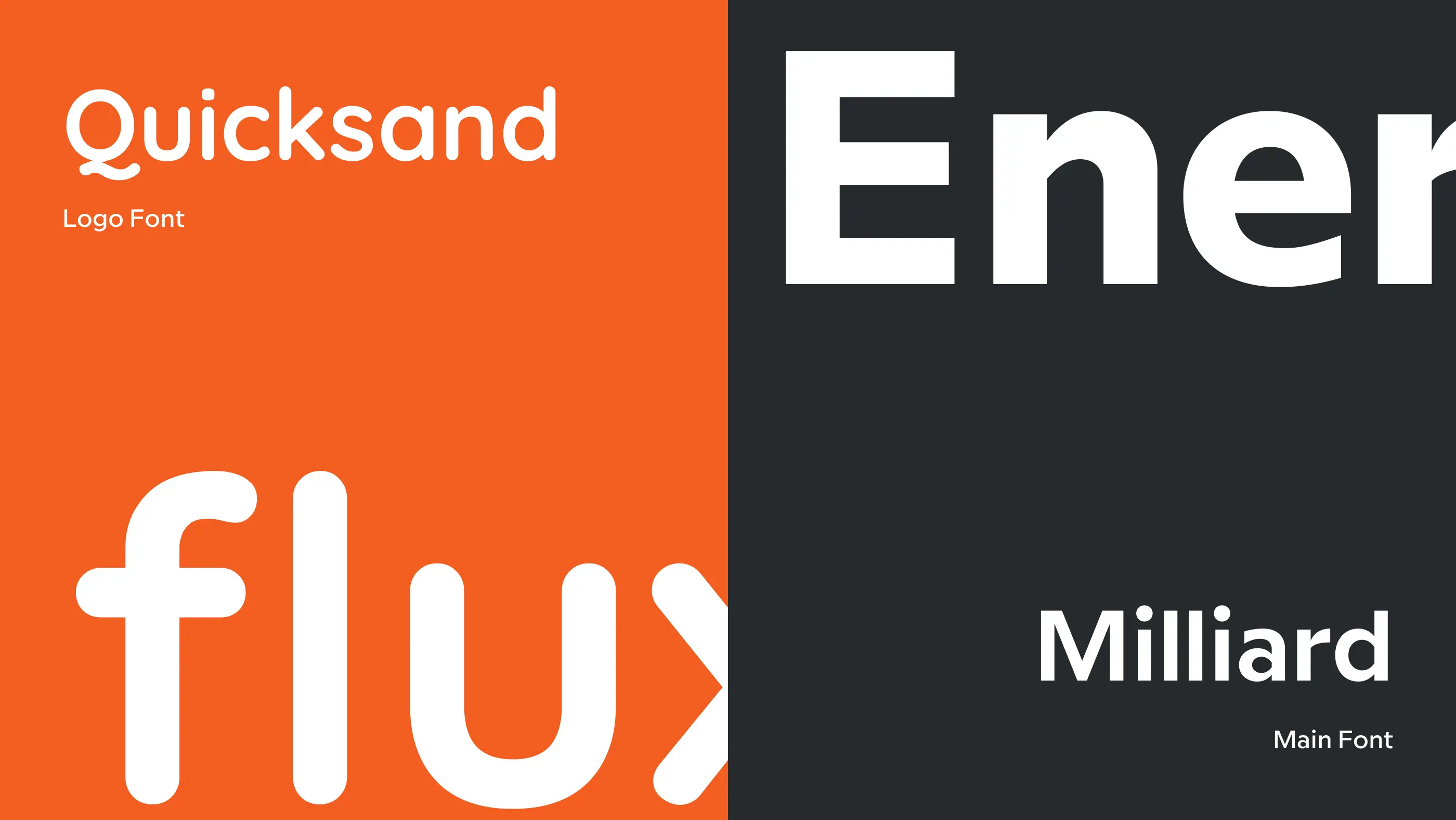
The Flux Energy wordmark is set in Quicksand.

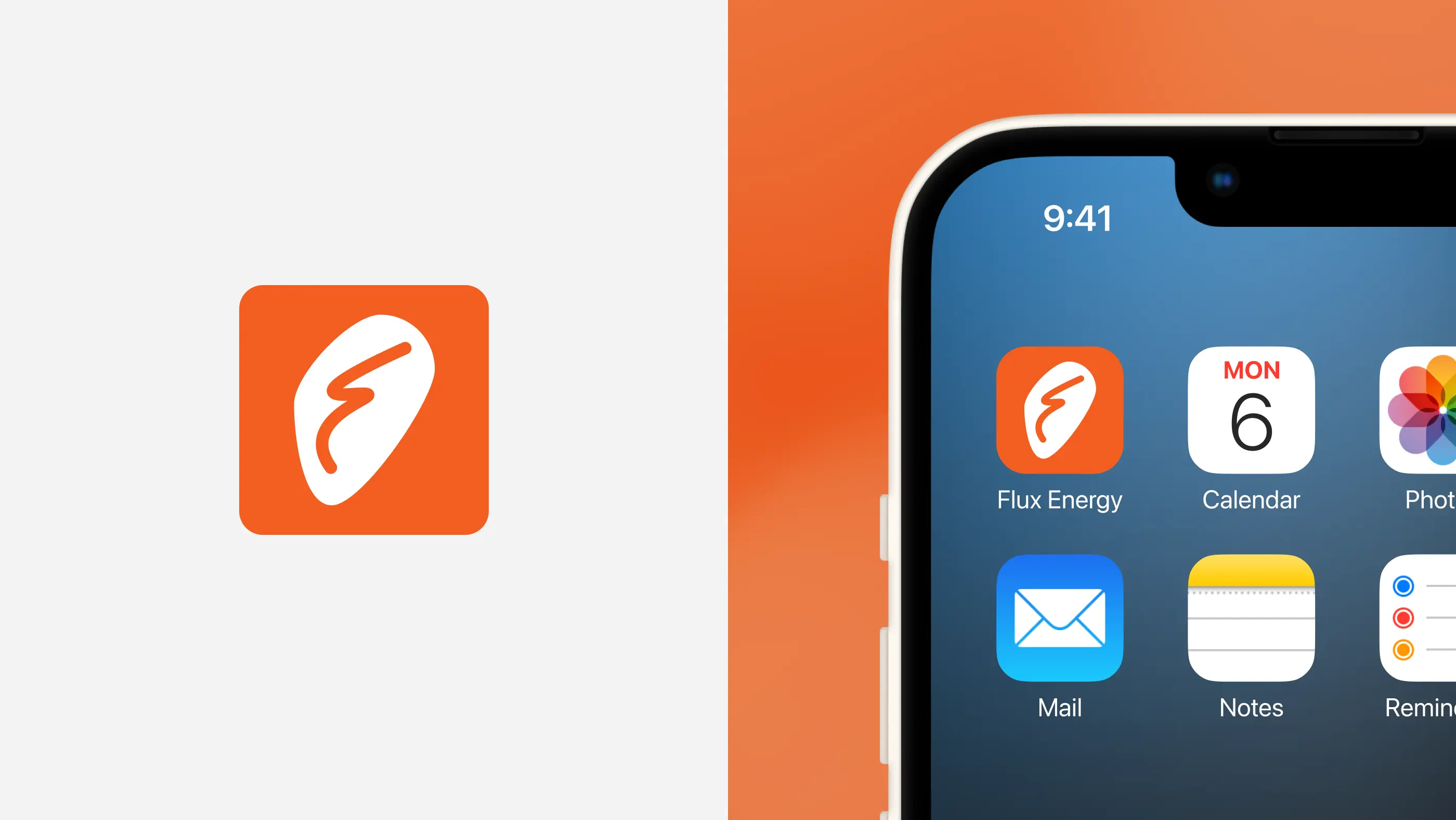
App Icon
The Flux Energy app icon, shown on a phone home screen.
Colors
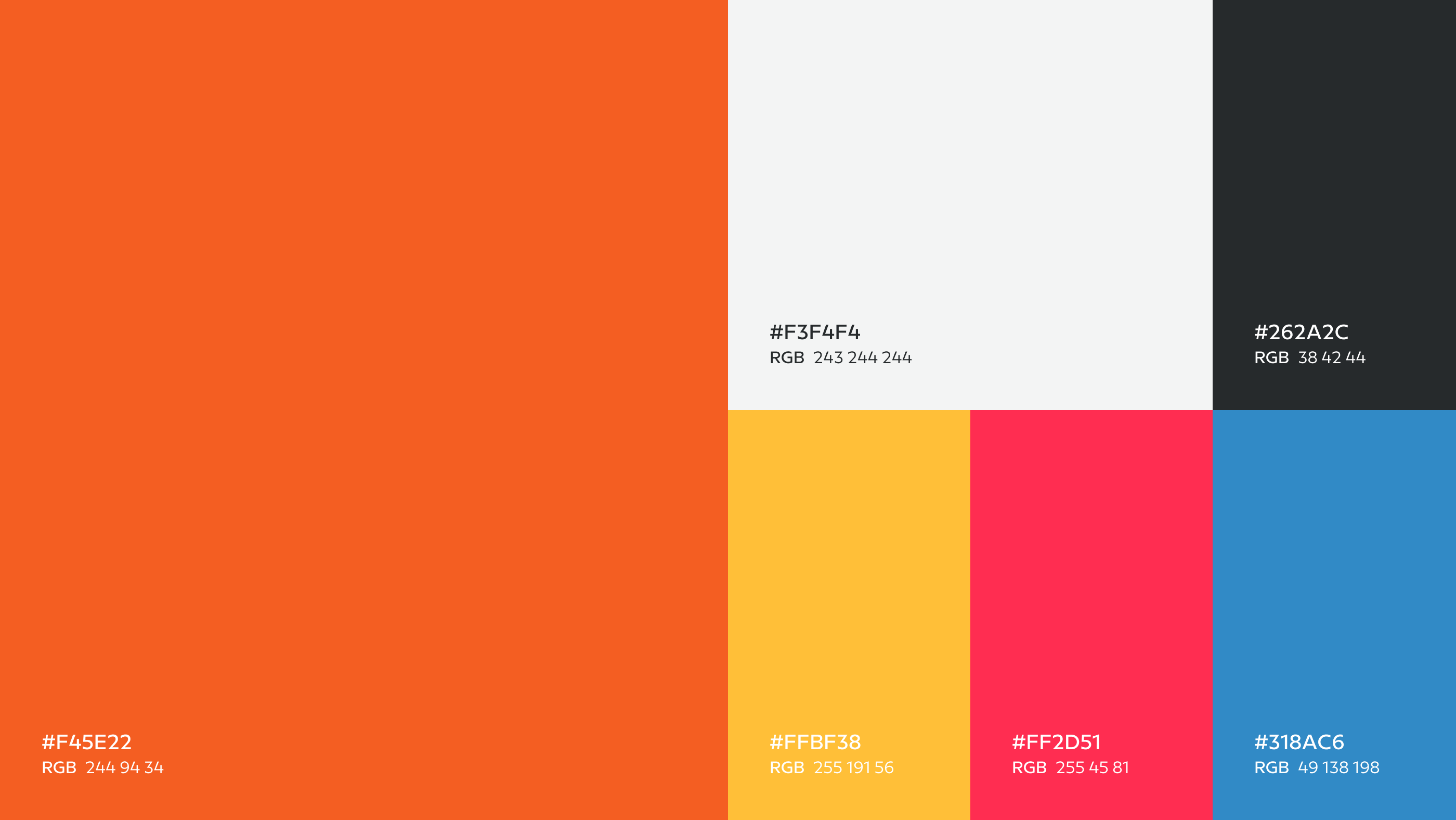
The palette is built around the brand orange, with a light neutral, a dark neutral, yellow, red, and blue.
- #F45E22
- RGB 244 94 34
- #F3F4F4
- RGB 243 244 244
- #FFBF38
- RGB 255 191 56
- #FF2D51
- RGB 255 45 81
- #262A2C
- RGB 38 42 44
- #318AC6
- RGB 49 138 198
Typography
- Quicksand
- Logo font
- Milliard
- Main font
Features
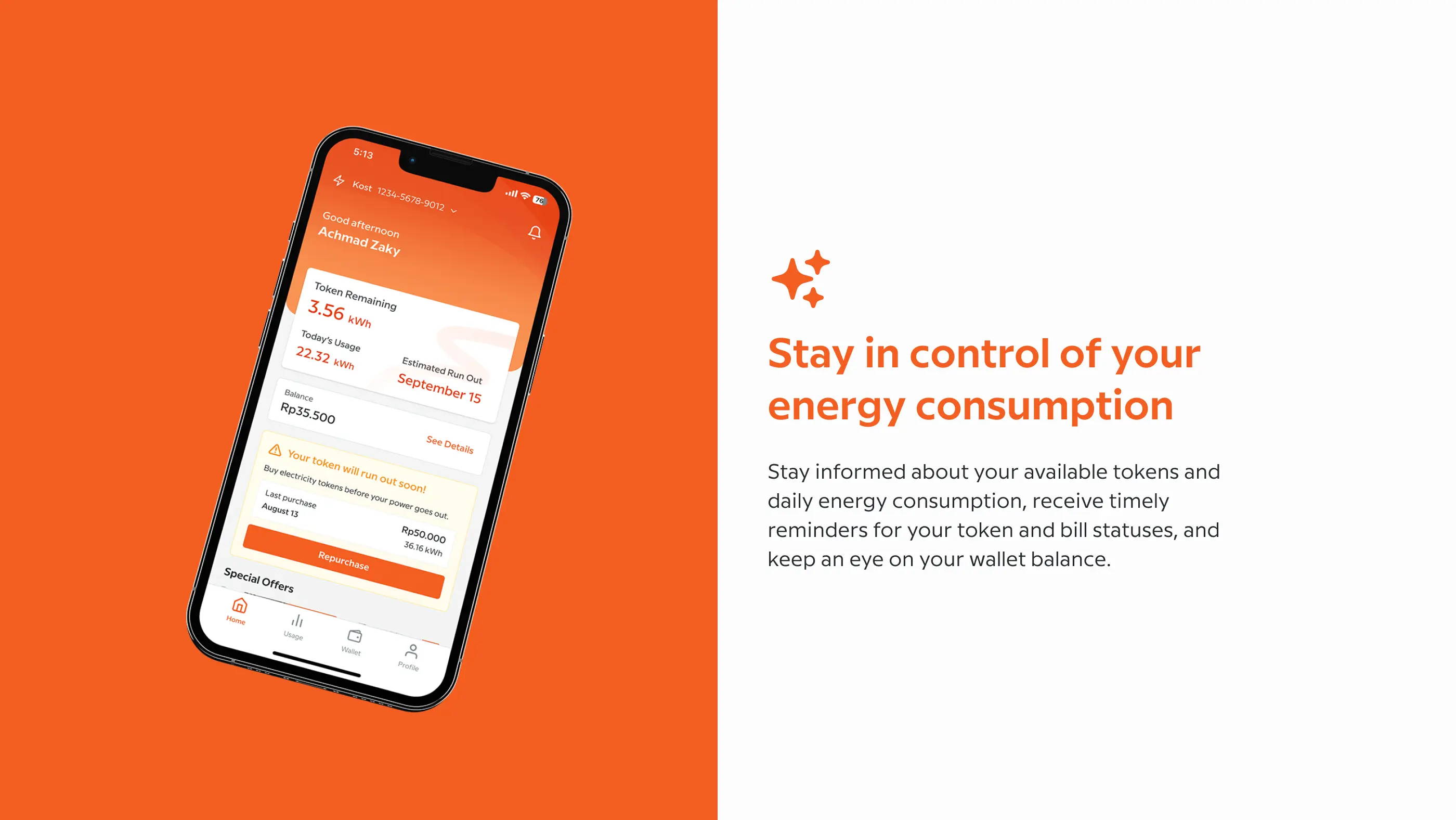
Stay in control of your energy consumption
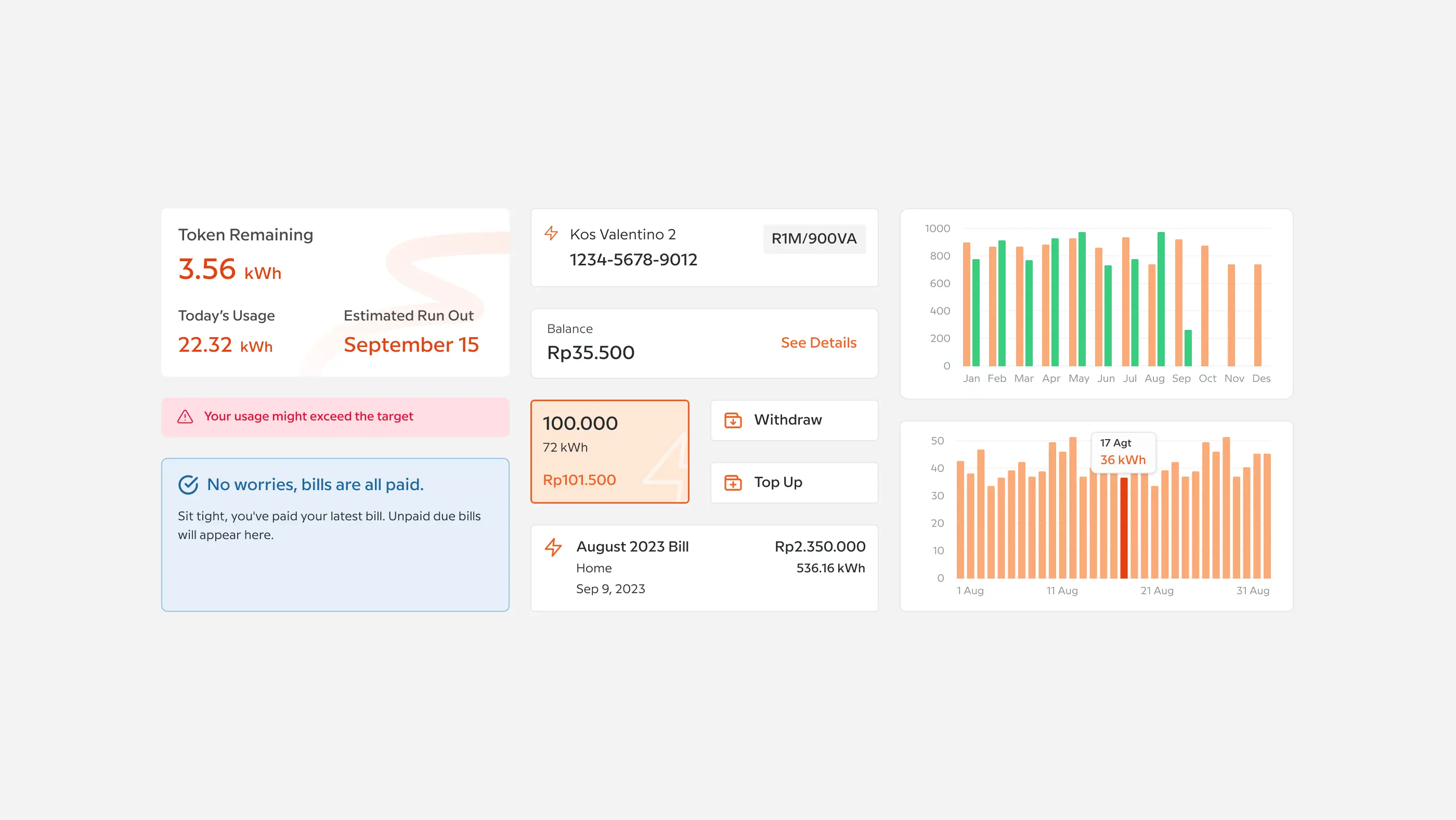
Stay informed about your available tokens and daily energy consumption, receive timely reminders for your token and bill statuses, and keep an eye on your wallet balance.
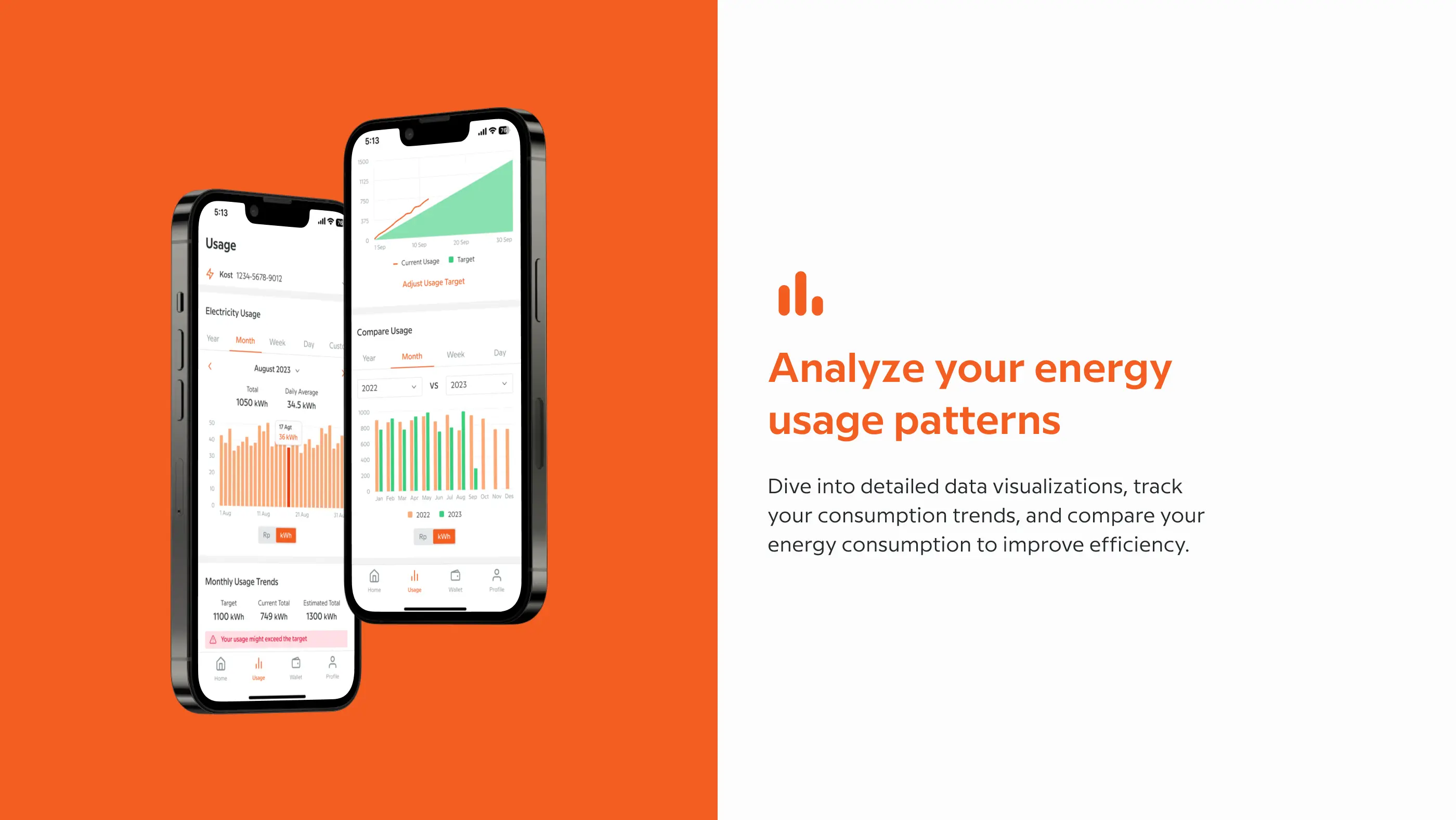
Analyze your energy usage patterns
Dive into detailed data visualizations, track your consumption trends, and compare your energy consumption to improve efficiency.
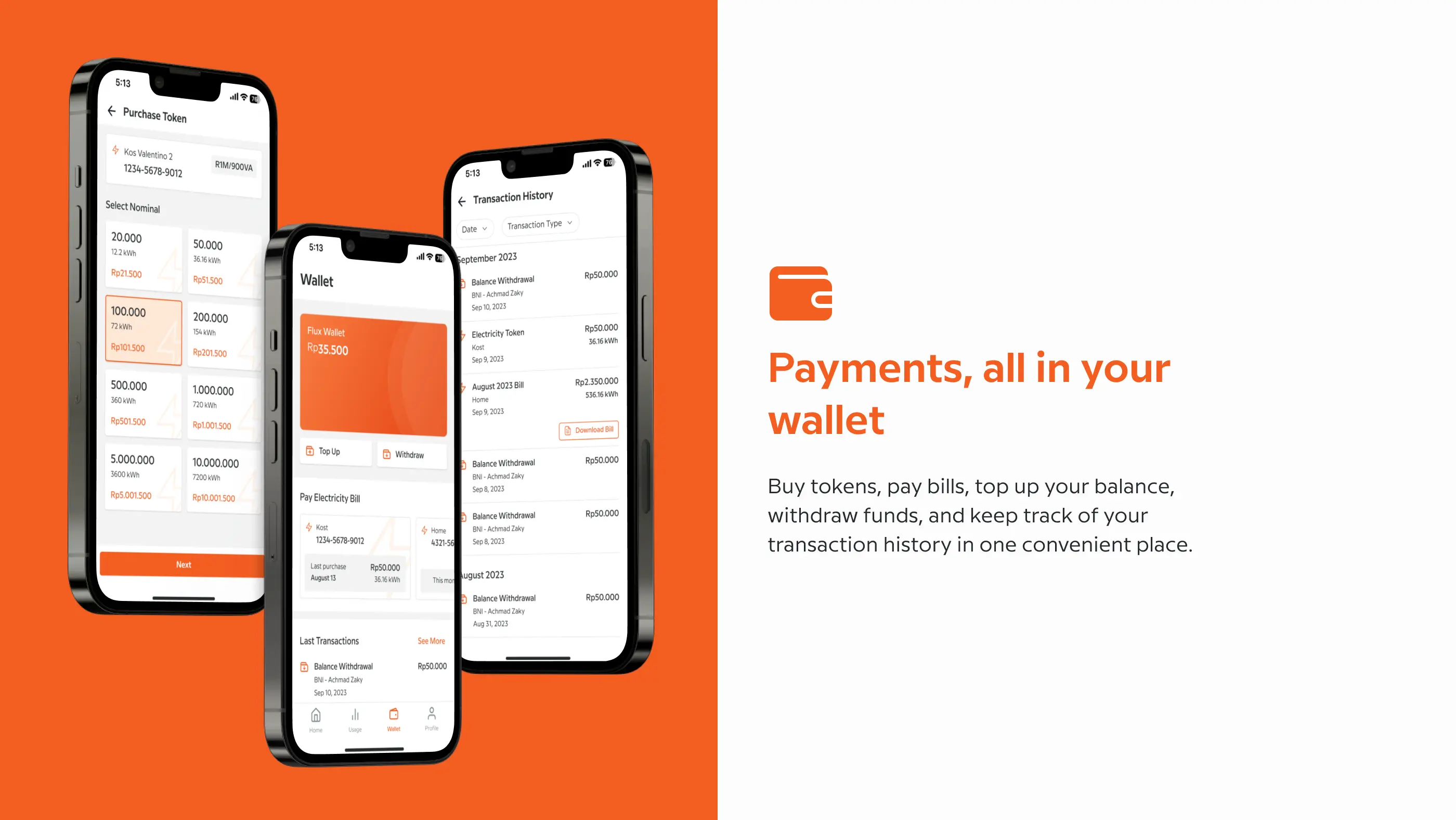
Payments, all in your wallet
Buy tokens, pay bills, top up your balance, withdraw funds, and keep track of your transaction history in one convenient place.
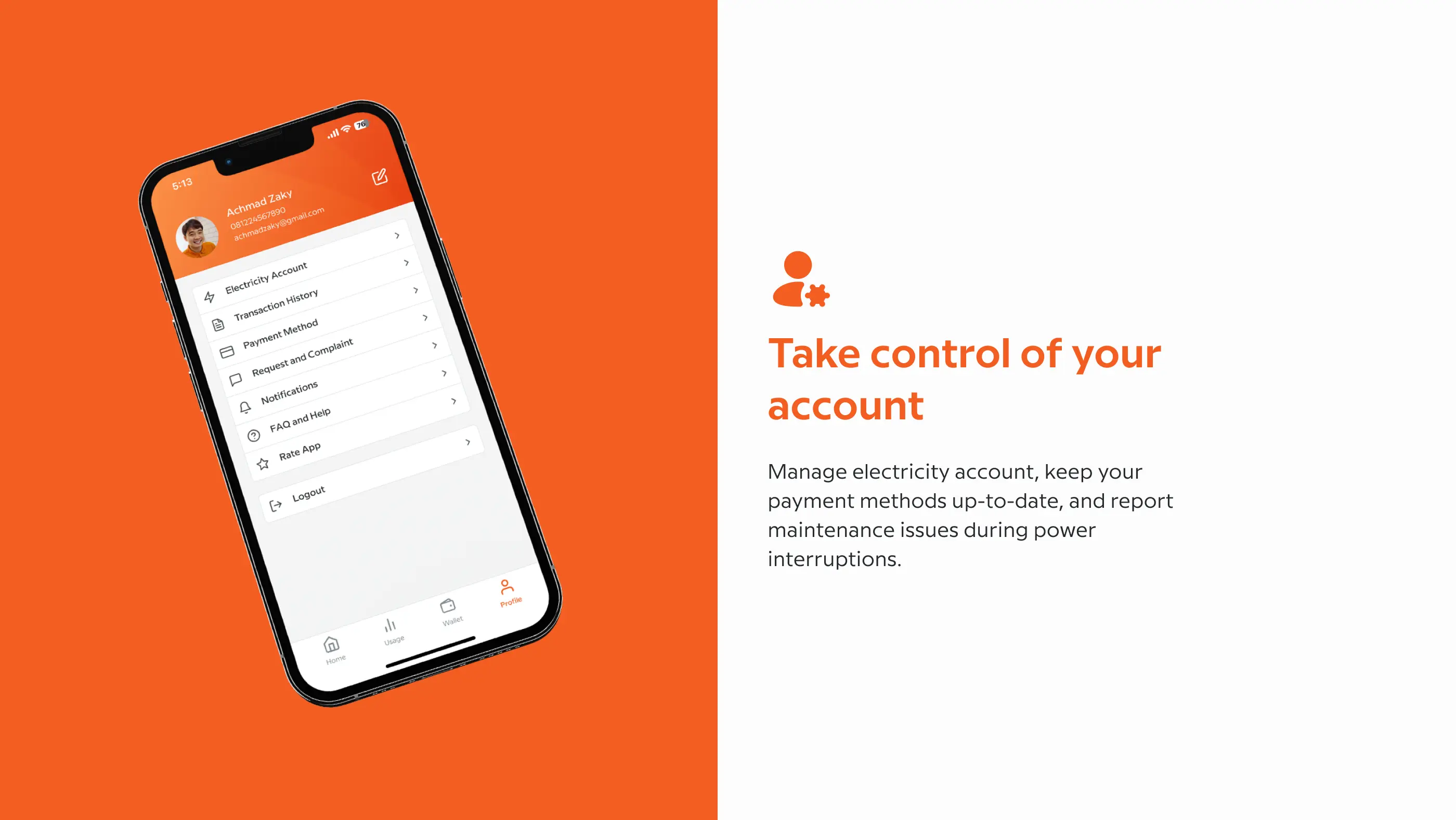
Take control of your account
Manage electricity account, keep your payment methods up-to-date, and report maintenance issues during power interruptions.
Interface